
Introduction
In today’s digital world, our personal data is stored online — from social media accounts to banking information. While this makes life easier, it also creates risks.
Hackers are always looking for ways to steal data for money, fraud, or misuse. The good news is that you can protect yourself by understanding how these attacks work.
In this blog, you will learn how hackers steal your data and simple ways to prevent it.
If you are new to online security, you can also read What is Cybersecurity? A Beginner’s Guide (2026) to understand the basics of digital protection.
How Hackers Steal Your Data
1. Phishing Attacks
Hackers send fake emails or messages that look real.
- Ask for login details or OTP
- Direct you to fake websites
Many people lose data by clicking on unknown links.
Many phishing scams are becoming more advanced every year. To stay updated about modern online dangers, read Latest Cybersecurity Threats You Should Know Today (2026).
2. Malware and Fake Apps
Malicious software can enter your device.
- Downloading apps from unknown sources
- Clicking harmful links
Malware can steal your data silently.
Using trusted security software can reduce these risks significantly. You can explore Best Security Tools to Protect Your Data in 2026 for better online protection.
3. Public Wi-Fi Attacks
Open Wi-Fi networks are not secure.
- Hackers can monitor your activity
- Data can be intercepted
Sensitive information can be exposed.
Following small safety practices daily can protect you from many cyber attacks. Check out Simple Cybersecurity Habits That Can Save You from Hackers for useful security tips.
4. Weak Passwords
Simple passwords are easy to guess.
- Using same password everywhere
- Using common passwords
Hackers use tools to break weak passwords quickly.
Many people still make common online privacy mistakes without realizing it. You can learn more in Top Privacy Mistakes People Make Online (And How to Fix Them).
5. Fake Websites
Some websites look real but are fake.
- Similar design to trusted sites
- Ask for login or payment details
Users enter data without checking properly.
To stay safer online, it’s important to learn modern protection strategies. Read Top Cybersecurity Tips to Stay Safe Online in 2026 for more guidance.
6. Social Engineering
Hackers trick people directly.
- Pretend to be a bank or support staff
- Ask for personal information
This method depends on human trust.
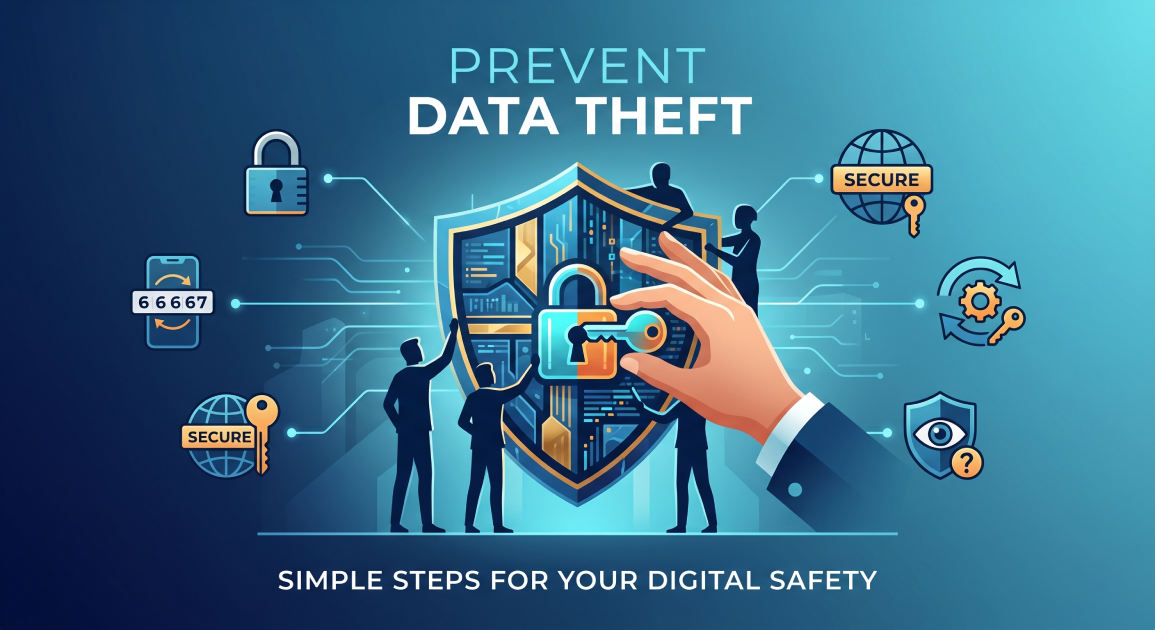
How to Prevent Data Theft
1. Use Strong Passwords
- Create complex passwords
- Use different passwords for each account
2. Enable Two-Factor Authentication (2FA)
- Add OTP or app verification
- Extra layer of security
3. Avoid Public Wi-Fi for Important Work
- Don’t access banking on open networks
- Use secure connections
4. Install Apps from Trusted Sources
- Use official app stores only
- Avoid unknown downloads
5. Be Careful with Links and Emails
- Don’t click suspicious links
- Verify sender details
6. Check Website Security
- Look for https://
- Check the website URL carefully
7. Update Your Devices Regularly
- Install the latest updates
- Fix security issues
8. Stay Alert and Aware
- Learn about new scams
- Think before sharing information
Cloud services are also becoming an important part of online security today. If you store files online, you should read “Cloud Storage Security: Is Your Data Really Safe?” to understand how cloud protection works.
As technology evolves, cybersecurity will continue to change rapidly. You can explore Future of Cybersecurity: What Will Change by 2030? to learn about future security trends and upcoming digital threats.
Also read this post:
Best Smart Devices for Daily Use
WordPress 7.0 “Armstrong” Released: Everything You Need to Know About the Latest Update
Best AI Tools for Students in 2026 – Study Smarter with Artificial Intelligence
Conclusion
Hackers use many methods to steal data, but most attacks can be prevented with simple precautions. By staying aware and following basic security steps, you can protect your personal information.
Stay careful, stay informed, and keep your data safe.
Frequently Asked Questions
How do hackers usually steal personal data?
Hackers commonly use phishing emails, fake websites, malware, weak passwords, and public Wi-Fi attacks to steal personal information.
What is the safest way to protect online accounts?
Using strong passwords and enabling Two-Factor Authentication (2FA) are some of the best ways to secure online accounts.
Can public Wi-Fi networks be dangerous?
Yes, public Wi-Fi networks are often unsecured, which allows hackers to monitor activity and steal sensitive information.
How can I identify a fake website?
Check the website URL carefully, look for “https://”, and avoid websites that ask for suspicious personal or payment information.
Why is cybersecurity important in 2026?
As more personal and financial data is stored online, cybersecurity helps protect users from hacking, scams, and data theft.
What should I do if I click a suspicious link?
Immediately disconnect from the internet, scan your device with security software, change important passwords, and monitor your accounts for unusual activity.
Are free apps safe to download?
Not always. You should download apps only from official app stores to avoid malware and fake applications.
How often should I update my devices?
You should install updates regularly because they fix security vulnerabilities and improve device protection.