
In today’s digital-first world, businesses and individuals rely heavily on cloud storage for everything from documents and photos to confidential business data. The convenience, scalability, and cost-effectiveness of cloud platforms have transformed how we store and access information. But with increasing cyber threats and data breaches making headlines regularly, one critical question remains:
Is your data really safe in the cloud?
The answer is both yes and no — depending on how cloud security is managed.
Understanding Cloud Storage Security
Cloud storage security refers to the technologies, policies, controls, and practices designed to protect data stored in cloud environments from unauthorized access, cyberattacks, and data loss.
Major cloud providers invest billions into advanced security infrastructure. However, security is not solely the provider’s responsibility. Users and businesses also play a crucial role in protecting their data.
This shared responsibility model is where many organizations often fail.
Why Businesses Are Moving to the Cloud
Before discussing security risks, it’s important to understand why cloud storage has become so popular.
1. Easy Accessibility
Users can access files anytime, anywhere, using any internet-connected device.
2. Cost Efficiency
Cloud storage eliminates the need for expensive physical servers and maintenance costs.
3. Scalability
Businesses can easily increase or decrease storage capacity based on their needs.
4. Automatic Backups
Most cloud providers offer automated backup and disaster recovery options.
5. Improved Collaboration
Teams can collaborate in real time, increasing productivity and workflow efficiency.
Despite these advantages, cloud adoption also introduces serious security concerns.
Major Cloud Storage Security Risks
Data Breaches
Cybercriminals constantly target cloud systems because they store large amounts of valuable information. Weak passwords, poor encryption, or misconfigured settings can expose sensitive data.
Insider Threats
Not all threats come from hackers. Employees or third-party vendors with access permissions can intentionally or accidentally compromise data.
Misconfigured Cloud Settings
One of the biggest causes of cloud data leaks is incorrect security configuration. Publicly accessible storage buckets have exposed millions of records globally.
Ransomware Attacks
Attackers can encrypt cloud-stored data and demand payment to restore access.
Account Hijacking
Weak authentication methods allow hackers to gain unauthorized access to cloud accounts.
Compliance and Privacy Issues
Organizations handling customer information must comply with regulations like GDPR, HIPAA, or other privacy laws. Poor cloud security can result in legal penalties and reputational damage.
How Cloud Providers Protect Your Data
Leading cloud providers implement multiple layers of security to safeguard customer data.
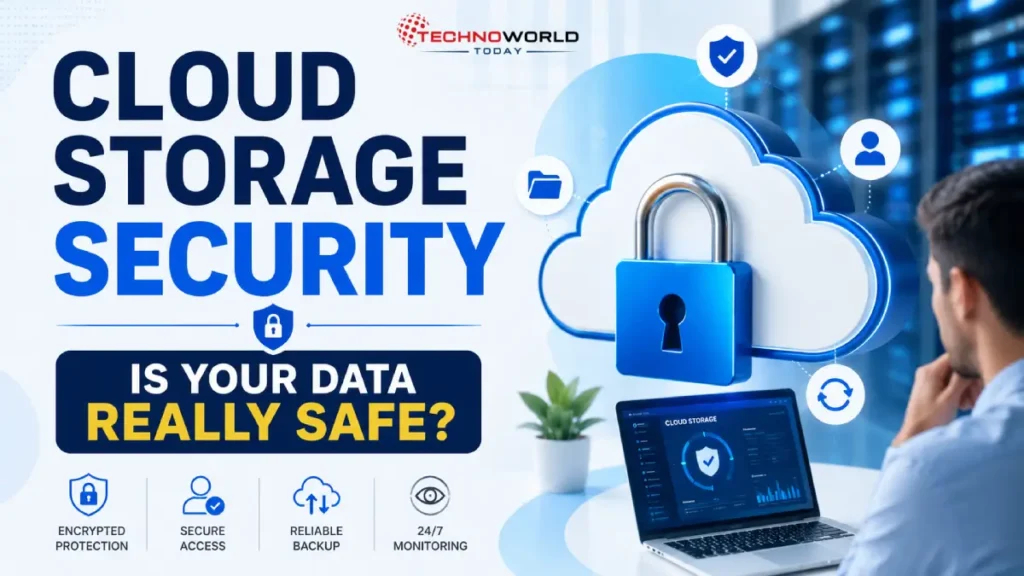
Data Encryption
Encryption converts readable data into unreadable code. Most providers use encryption both during transmission and while data is stored.
Multi-Factor Authentication (MFA)
MFA adds an extra layer of protection by requiring multiple verification methods during login.
Advanced Firewalls and Threat Detection
Cloud systems use AI-driven monitoring tools to detect suspicious activity and block threats in real time.
Regular Security Updates
Providers continuously patch vulnerabilities and upgrade their infrastructure.
Data Redundancy and Backup
Cloud platforms store duplicate copies of data across multiple locations to prevent data loss.
The Shared Responsibility Model
A common misconception is that cloud providers handle all security responsibilities.
In reality:
| Cloud Provider Responsibility | User Responsibility |
|---|---|
| Infrastructure security | Password management |
| Server maintenance | Access control |
| Physical data center protection | Secure device usage |
| Network security | Data classification |
| Platform reliability | Backup management |
If users neglect security best practices, even the most secure cloud platform cannot fully protect their data.
Best Practices to Keep Your Cloud Data Safe
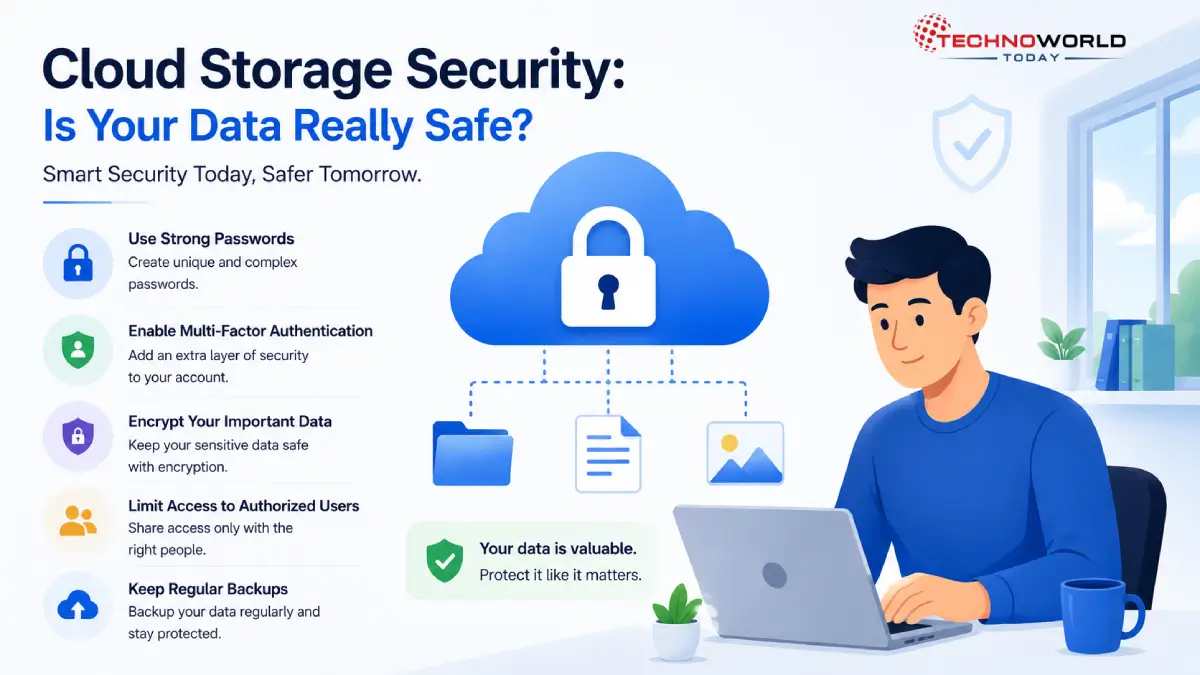
Use Strong Passwords
Avoid simple or repeated passwords. Use password managers to create and store complex credentials.
Enable Multi-Factor Authentication
MFA significantly reduces the risk of unauthorized account access.
Encrypt Sensitive Data
Businesses should add their own encryption layer for highly confidential information.
Limit User Access
Grant employees only the permissions necessary for their roles.
Monitor Account Activity
Regularly review login attempts and unusual account behavior.
Perform Regular Backups
Maintain offline or secondary backups to protect against ransomware attacks.
Train Employees
Human error remains one of the biggest cybersecurity risks. Employee awareness training is essential.
Choose Trusted Cloud Providers
Work with reputable providers that follow international security standards and compliance frameworks.
Public Cloud vs Private Cloud Security
Public Cloud
Public cloud services are shared environments managed by third-party providers. They are affordable and scalable but may offer less control.
Private Cloud
Private clouds provide dedicated infrastructure for a single organization, offering greater customization and control over security.
Hybrid Cloud
Many businesses adopt hybrid cloud models to balance flexibility and security.
The right choice depends on business size, industry requirements, and data sensitivity.
Is Cloud Storage Safer Than Traditional Storage?
In many cases, yes.
Large cloud providers often implement stronger security measures than small businesses can afford internally. However, cloud security depends heavily on proper configuration and responsible user behavior.
An unsecured cloud account can become just as vulnerable as an unprotected local server.
The Future of Cloud Security
As cyber threats evolve, cloud security technologies continue advancing rapidly.
Emerging trends include:
- AI-powered threat detection
- Zero Trust security models
- Advanced identity management
- Blockchain-based data verification
- Automated compliance monitoring
Businesses investing in proactive cloud security strategies will be better prepared for future threats.
Also read this post:
The Future of the Digital World
Google Gemini AI: Features, Uses, Benefits & How It Works – Complete Guide
Future of Cybersecurity: What Will Change by 2030?
Final Thoughts
Cloud storage offers remarkable convenience, scalability, and efficiency, but security should never be taken for granted. While cloud providers deliver strong infrastructure protection, users and organizations must also take responsibility for securing their accounts, managing access, and following cybersecurity best practices.
The real question is not whether cloud storage is safe — but whether it is being used securely.
In the digital age, protecting your data is no longer optional. It is a business necessity.
Also Read this :
FAQs – Cloud Storage Security
What is cloud storage security?
Cloud storage security refers to the technologies and practices used to protect data stored online from cyber threats, unauthorized access, and data loss.
Is cloud storage safer than physical storage?
In many cases, yes. Trusted cloud providers use advanced encryption, backups, and security systems that are often stronger than traditional local storage solutions.
How can I make my cloud storage more secure?
You can improve security by using strong passwords, enabling multi-factor authentication (MFA), encrypting sensitive files, and regularly updating access permissions.
What is multi-factor authentication (MFA)?
MFA is a security feature that requires users to verify their identity using two or more methods, such as a password and a mobile verification code.
Does cloud storage automatically back up my data?
Most cloud providers offer backup and recovery features, but it’s still recommended to maintain additional backups for extra protection.