
Introduction: Why Everyone Feels Busy But Still Unproductive
Today, productivity feels more difficult than ever.
Most people wake up and immediately start checking:
- WhatsApp messages
- Gmail notifications
- Meeting reminders
- Unfinished tasks
- Instagram updates
- Slack messages
Before the day properly starts, the mind already feels overloaded.
The biggest problem is not a lack of effort. The real issue is digital chaos.
People constantly switch between:
- laptops
- smartphones
- browsers
- cloud storage
- messaging apps
- task managers
A task starts on Windows, reminders appear on Android, files are saved somewhere else, and notes disappear inside random apps.
Everything becomes scattered. This is exactly why productivity apps have become essential in 2026.
Good productivity tools do not magically make people hardworking. Instead, they help organize workflows, reduce distractions, improve focus, and save valuable time every day.
Whether someone is:
- a student
- freelancer
- remote worker
- content creator
- entrepreneur
- office employee
The right productivity apps can dramatically improve workflow efficiency and reduce stress.
In this complete guide, we’ll explore the best productivity apps for Windows and Android in 2026 that genuinely help improve:
- focus
- task management
- organization
- teamwork
- communication
- time tracking
- workflow automation
Why Productivity Apps Matter More Than Ever
Modern work and daily life now depend heavily on digital systems.
People manage:
- online meetings
- assignments
- side projects
- content creation
- remote collaboration
- deadlines
- file sharing
- communication
Often from the same smartphone and laptop.
Without proper systems, productivity quickly becomes stressful.
For example:
- freelancers lose track of client tasks
- students forget deadlines
- remote teams struggle with communication
- files become difficult to organize
- notifications constantly interrupt focus
This is where productivity apps genuinely help.
The right apps reduce digital clutter and make workflows smoother, faster, and more organized.
What Makes a Productivity App Actually Useful?
Not every trending productivity app is genuinely practical.
Some apps look impressive but make workflows even more complicated.
A truly useful productivity app should:
- save time
- simplify tasks
- reduce distractions
- improve organization
- sync across devices
- feel easy to use daily
Most importantly:
It should solve real-life productivity problems without creating unnecessary complexity.
Because honestly, nobody wants software that requires 30 minutes of setup just to create a simple to-do list.
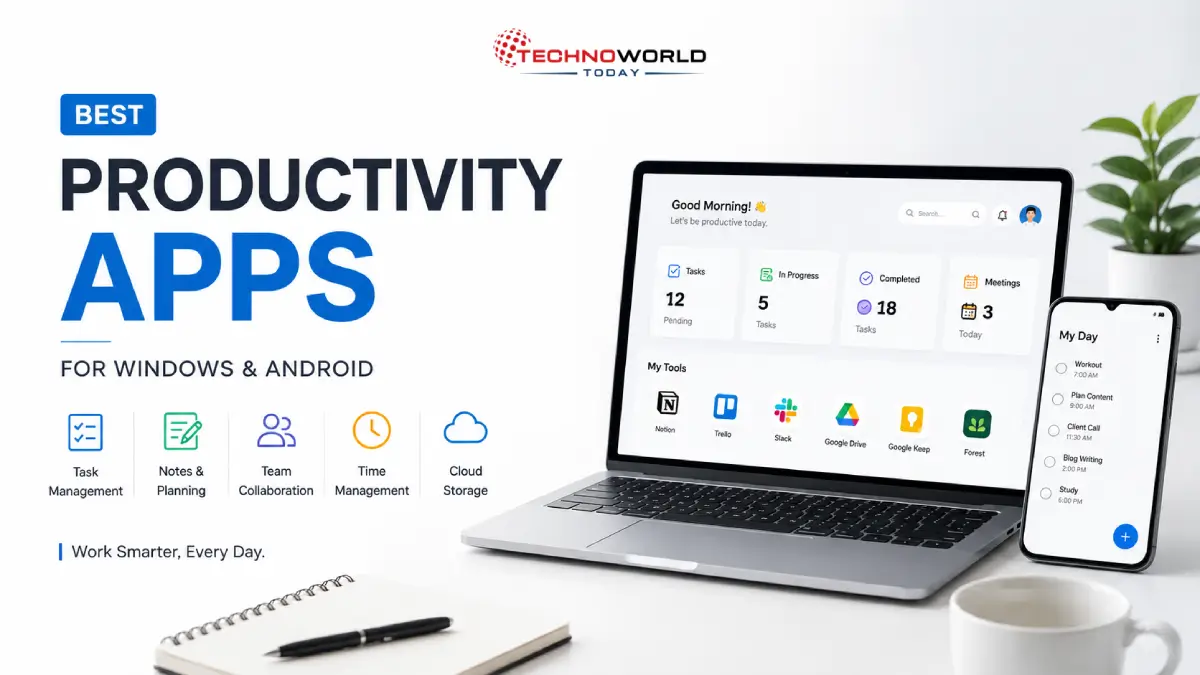
Best Productivity Apps for Windows and Android in 2026
1. Notion — Best All-in-One Productivity App
Notion has become one of the most powerful all-in-one productivity apps in 2026.
Instead of using separate apps for:
- notes
- planning
- databases
- documentation
- project management
- content calendars
Users can organize everything inside one workspace.
Why People Love Notion
- Clean interface
- Highly customizable
- Excellent collaboration tools
- Cross-platform sync
- Powerful templates
Real-Life Example
A content creator can manage:
- blog ideas
- YouTube scripts
- Instagram planning
- SEO research
- sponsorship tracking
inside one organized dashboard instead of switching between multiple apps.
Best For
- Students
- Bloggers
- Freelancers
- Remote teams
- Startup founders
2. Microsoft To Do — Best Simple Task Manager
Some people don’t need complicated project management systems.
They simply need a clean way to manage:
- daily tasks
- reminders
- priorities
- schedules
That’s exactly where Microsoft To Do works perfectly.
Key Features
- Daily planning
- Recurring reminders
- Smart task lists
- Windows integration
- Easy synchronization
Why It’s Useful
The app reduces mental overload by helping users organize responsibilities clearly instead of remembering everything mentally.
Best For
- Office employees
- Students
- Personal productivity
- Daily planning
3. Google Keep — Best Quick Notes App
Sometimes productivity is simply about capturing ideas quickly before forgetting them.
Google Keep is one of the best lightweight note-taking apps for:
- quick notes
- checklists
- reminders
- voice notes
- instant ideas
Why Users Love It
The app feels fast, minimal, and distraction-free.
Real-Life Usage
Students use Google Keep during lectures for quick note-taking, while business owners save:
- meeting points
- content ideas
- shopping lists
- task reminders
within seconds.
Best For
- Students
- Quick brainstorming
- Everyday reminders
- Lightweight productivity
4. Trello — Best Visual Workflow Management Tool
Trello uses a visual Kanban board system that makes project management extremely simple.
Tasks move through stages like:
- To Do
- In Progress
- Completed
This creates much better workflow clarity.
Why Trello Is Popular
Even beginners can understand the interface within minutes.
Best For
- Freelancers
- Agencies
- Remote teams
- Content creators
5. Google Drive — Best Cloud Storage for Productivity
Modern productivity heavily depends on proper file management.
Without cloud storage, documents become scattered across:
- laptops
- smartphones
- emails
- USB drives
Google Drive solves this beautifully.
Main Benefits
- Cloud storage
- Real-time collaboration
- File backup
- Easy sharing
- Multi-device access
Best For
- Students
- Remote teams
- Business collaboration
- File organization
6. Slack — Best Team Communication App
Communication becomes messy when teams depend only on WhatsApp groups and emails.
Slack organizes conversations using:
- channels
- departments
- project groups
- workspaces
This keeps discussions cleaner and easier to manage.
Best For
- Startups
- Agencies
- Remote employees
- Collaborative teams
7. Forest — Best Focus App for Students and Remote Workers
Forest takes a creative approach toward focus management.
When users start a focus session, a virtual tree grows.
If they leave the app to open distracting apps, the tree dies.
Simple idea.
Surprisingly effective.
Why It Works
The app creates psychological accountability that reduces phone distractions.
Best For
- Students
- Deep work sessions
- Exam preparation
- Remote workers
8. Canva — Best Design Productivity Tool
Visual content has become essential in modern digital work.
People now regularly create:
- presentations
- social media posts
- thumbnails
- resumes
- marketing graphics
Canva simplified graphic design for everyone.
Why Canva Became So Popular
Even non-designers can create professional-looking content within minutes using templates.
Best For
- Bloggers
- Small businesses
- Social media creators
- Students
9. Clockify — Best Time Tracking App
Most people underestimate how much time disappears daily.
Clockify helps users track:
- work sessions
- billable hours
- project timing
- productivity habits
Why It’s Useful
Time tracking reveals:
- hidden distractions
- inefficient habits
- poor scheduling patterns
Best For
- Freelancers
- Agencies
- Productivity improvement
- Time management
10. Grammarly — Best Writing Productivity Tool
Professional communication matters more than ever.
Whether writing:
- emails
- blog posts
- proposals
- reports
- client messages
clear writing improves credibility.
Grammarly Helps Improve
- grammar
- spelling
- readability
- tone
- sentence clarity
Best For
- Bloggers
- Students
- Freelancers
- Remote workers
Best Productivity Apps by Category
| Category | Best App |
|---|---|
| All-in-One Productivity | Notion |
| Daily Task Management | Microsoft To Do |
| Quick Notes | Google Keep |
| Visual Workflow | Trello |
| Cloud Storage | Google Drive |
| Team Communication | Slack |
| Focus Improvement | Forest |
| Graphic Design | Canva |
| Time Tracking | Clockify |
| Writing Assistance | Grammarly |
Common Productivity Problems These Apps Solve
Most productivity issues are caused by:
- distractions
- poor organization
- scattered workflows
- notification overload
- weak time management
The right apps help reduce this digital chaos significantly.
And honestly, once workflow becomes organized, mental stress automatically reduces too.
Common Mistakes People Make
Installing Too Many Productivity Apps
Too many apps often create:
- notification overload
- digital clutter
- fragmented workflows
Usually, a few well-used tools work far better.
Ignoring Focus Management
Constant multitasking quietly destroys deep work sessions.
Depending Entirely on Memory
Trying to remember everything mentally increases stress unnecessarily.
Expert Productivity Tips for 2026
Keep Your Workflow Simple
Simple systems are easier to maintain consistently.
Sync Everything Across Devices
Apps that work smoothly on both Windows and Android improve efficiency dramatically.
Reduce Unnecessary Notifications
Constant interruptions reduce concentration and increase mental fatigue.
Create Deep Focus Sessions
Even 45 minutes of uninterrupted work can improve productivity significantly.
Frequently Asked Questions (FAQs)
Which is the best productivity app for Windows and Android in 2026?
Notion is considered one of the best all-in-one productivity apps because it combines notes, planning, databases, and task management in one workspace.
Which productivity app is best for students?
Google Keep, Forest, and Notion are excellent for students.
Are productivity apps actually useful?
Yes. Productivity apps improve organization, reduce distractions, simplify workflows, and save time.
Which productivity app is best for remote work?
Slack, Trello, and Google Drive work extremely well for remote collaboration.
Final Thoughts: Productivity Is About Clarity, Not Working Longer
Most people today don’t need longer working hours.
They need:
- cleaner systems
- fewer distractions
- smarter workflows
- better organization
That’s exactly what good productivity apps help achieve.
The right tools reduce digital chaos, improve focus, and make daily work feel far more manageable.
Real productivity is not about staying busy all day.
It’s about completing meaningful work efficiently without feeling mentally exhausted.
A few genuinely useful apps used consistently can completely transform daily workflow and digital life.
Also read this post:
Best Smart Devices for Daily Use
Cloud Storage Security: Is Your Data Really Safe?
The Future of the Digital World
What is Technology? Trends, AI Technology and Latest Technology News
Conclusion
Choosing the best productivity apps for Windows and Android can dramatically improve:
- focus
- task organization
- workflow management
- collaboration
- time efficiency
Whether you are a student, freelancer, remote worker, or business owner, the right productivity tools can help you stay organized and work smarter in 2026.
CTA
Which productivity app do you use the most on Windows or Android?
Share your favorite productivity tools and explore more smart tech guides to improve your workflow, focus, and digital productivity in 2026.